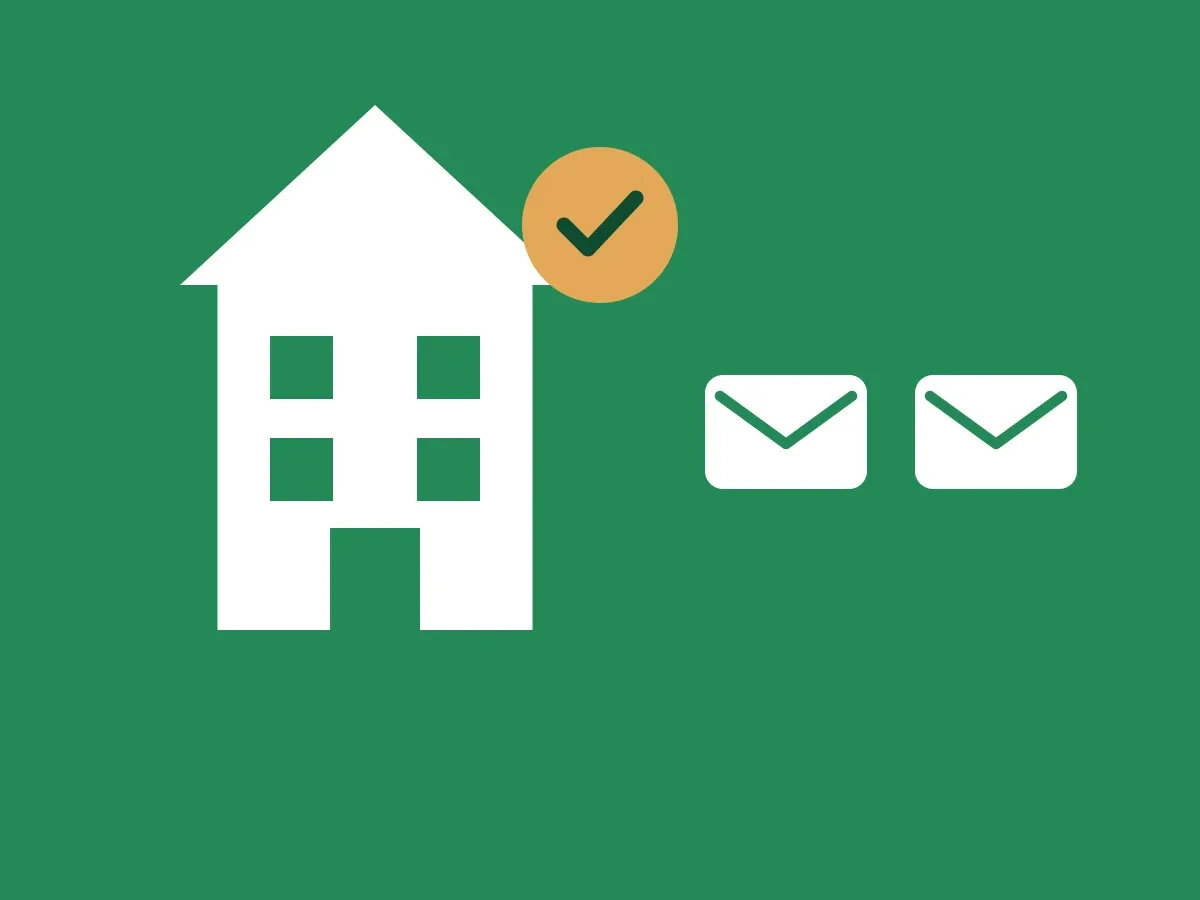
Some companies only want to use ID-Truster inside their own organization. Others want to reach customers and partners. This article covers the difference, and what it takes to go from one to the other.
One company, one domain
Every company in ID-Truster is set up under one domain, its main domain. By domain we mean the name in your website address and after the @ in your email addresses, for example example.com. The domain decides who the company can reach until it is verified.
Internal use
Internal use needs no company verification. You can start right away when you sign up and choose a plan.
Your company can only reach ID-Truster users who are signed in to the app with an email address on your domain. If your domain is example.com, you reach colleagues signed in as name@example.com. You cannot reach customers, partners, or anyone else outside your domain.
That is enough to verify each other inside the organization, for example between offices, departments, and colleagues.
External use
To reach customers, partners, and anyone else outside your domain, your company must first be verified by ID-Truster. We check that your company is who it says it is before it can contact people outside its own organization.
When your company is verified, your business card in the app shows “Verified by ID-Truster”. Your customers see it every time you contact them.
The checks are described in How we verify companies.
Testing in the sandbox
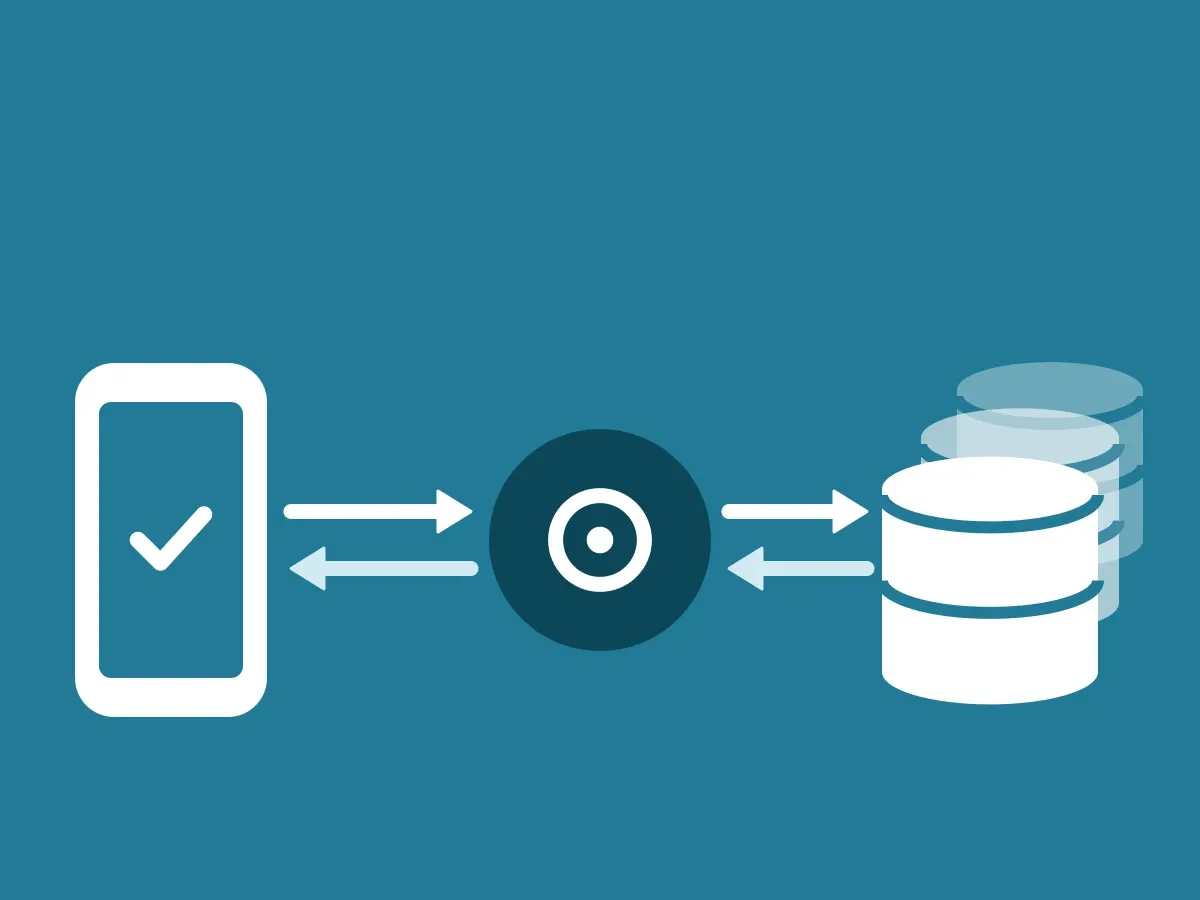
The sandbox is free and needs no company verification. It is for building and testing against our API and ClientDB.
A sandbox only works with a limited number of users. Each of them must agree in their own ID-Truster app to receive and check messages from your sandbox. You send them an invitation code, and they enter it in the app. Until they do, your sandbox cannot reach them.
Going from internal to external
You can start internally and go external later. When you are ready to reach people outside your organization, you ask for company verification. The price is on the Plans page.