
Email and SMS
Fake emails and texts look just like yours. Now your customers can tell them apart.
Add a trust code to the emails and texts you already send. Your customer checks it in the free ID-Truster app and sees within seconds whether the message really came from you.
See the difference
Same logo. Same tone. Only one is real.
Your new card is on its way
Hi Anna, your new card has been sent and will arrive within three working days.
Verified by ID-TrusterYour customer knows it came from you.
Your card has been blocked
Hi Anna, confirm your card details within 24 hours to keep using your card.
Could not verify codeYour customer knows not to trust it.
A fake can copy your logo, your tone, and even your sender name. What it cannot do is pass the check in the app.
Your customer pastes the code into the free ID-Truster app and answers three quick questions about the message. The answer is clear within seconds. No guessing, and no need to call you to ask.
For your company
Less doubt for your customers. Less work for you.
When your customers can check a message themselves, they stop guessing and stop calling to ask.
Fewer "Is this really you?" calls
Customers check the message in the app instead of asking your customer service.
Harder to trick your customers in your name
A fake message fails the check, so your customers know not to act on it.
Messages your customers dare to act on
Customers click and reply with confidence when they can see a message is really from you.
Free for your customers
The ID-Truster app is free. You only pay when a customer checks a code.

Your systems
Keep the systems you already use
You keep your email system, your SMS provider, and your CRM. Your team writes and sends messages the way it does today, and a trust code is added to each one.
A ready-made Mailchimp integration is available today, so every newsletter can carry its own trust code.
See which systems it works with See where your data is stored
Try it yourself
Try a trust code yourself
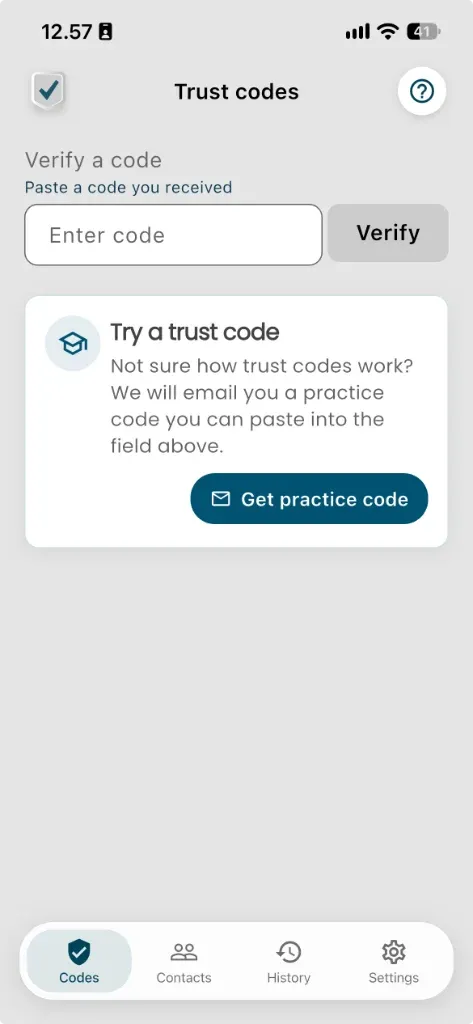
Download the free ID-Truster app and tap Get practice code on the Trust codes screen. We email you a trust code that only you can check, so you see exactly what your customers will see.


Rather see it with your own customers? Talk to us about a pilot
Questions about trust codes
What is a trust code?
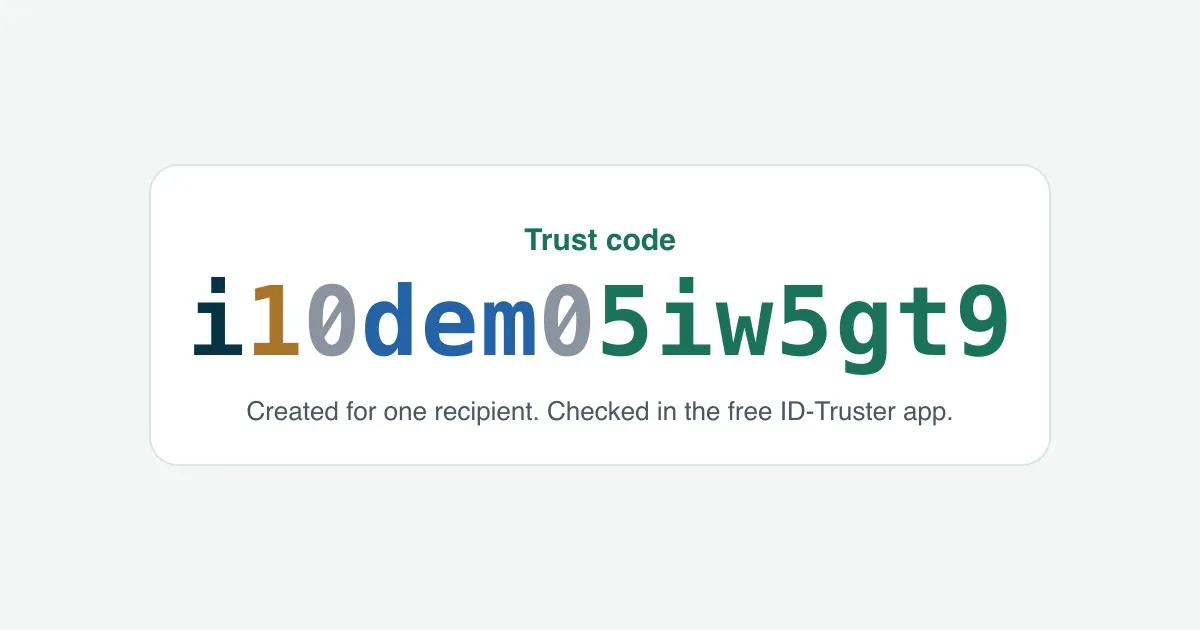
A unique code you add to an email or text message, created for one recipient only. Your customer checks it in the free ID-Truster app to see that the message really came from you.
Does it work with text messages too?
Yes. Your customers check a trust code in a text message the same way as in an email.
What if the customer doesn't have the app?
They get your email or text message as usual. They just can't check the trust code until they download the free ID-Truster app.
Can we use trust codes in newsletters?
Yes. Each recipient gets their own trust code, so every newsletter can be checked by the person it was sent to. A ready-made Mailchimp integration is available today.
Do we pay for codes that are never checked?
No. A credit is only used when your customer checks a trust code in the app.
When should we not use a trust code?
When someone else writes the message. A trust code tells your customer that the whole message comes from your company. If your platform passes on messages from others, such as sellers, hosts, or other users, do not add a trust code to them. Otherwise a stranger's message can look as if you vouch for it. Only use trust codes on messages your company writes and stands behind.
Do we have to change our systems?
No. You keep your email system, your SMS provider, and your CRM. A ready-made Mailchimp integration is available today. Your IT team can see how the pieces fit together under How it works.
From the blog
More on trust codes for email and SMS
News
The first newsletter sent with trust codes
DigitalLead sent its newsletter with a trust code for every recipient. Here is what we learned, and how fast trust codes are now ready in Mailchimp.