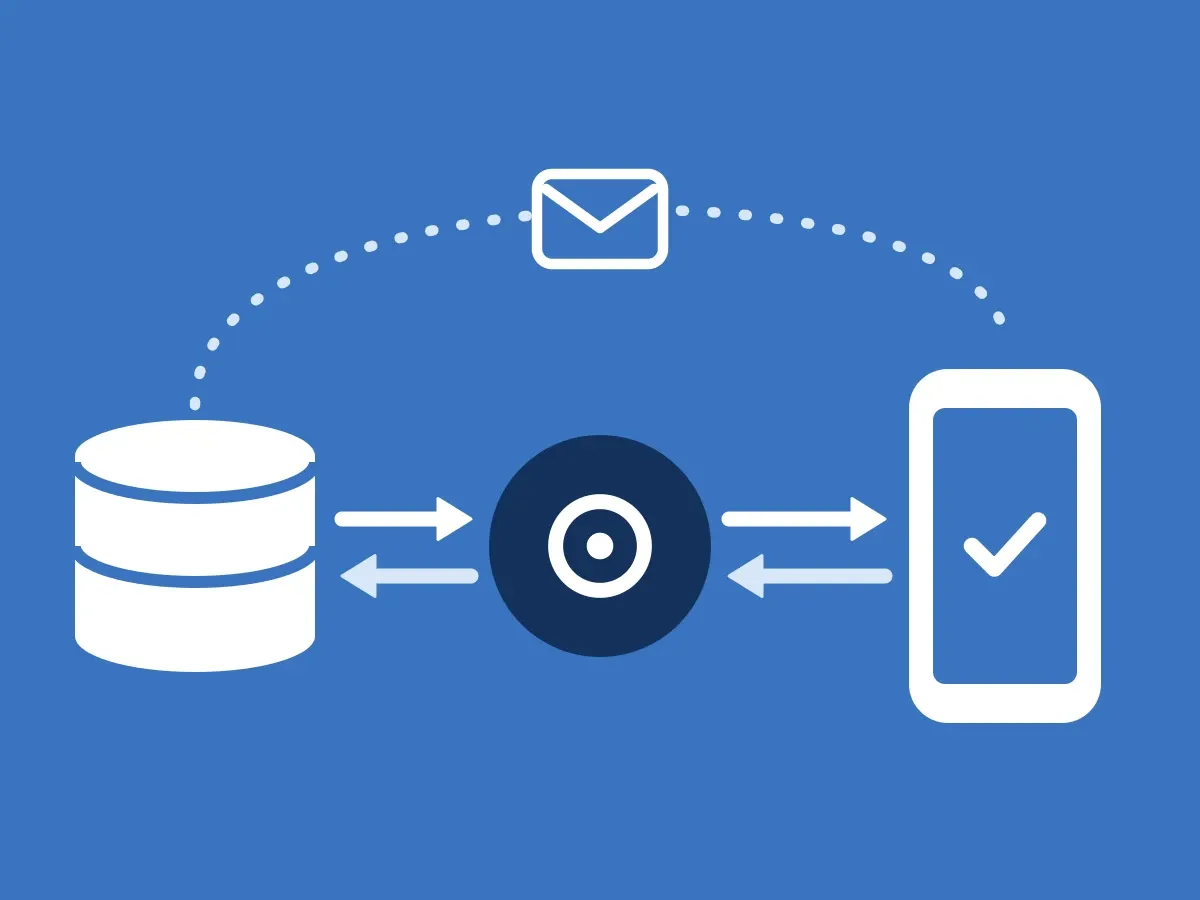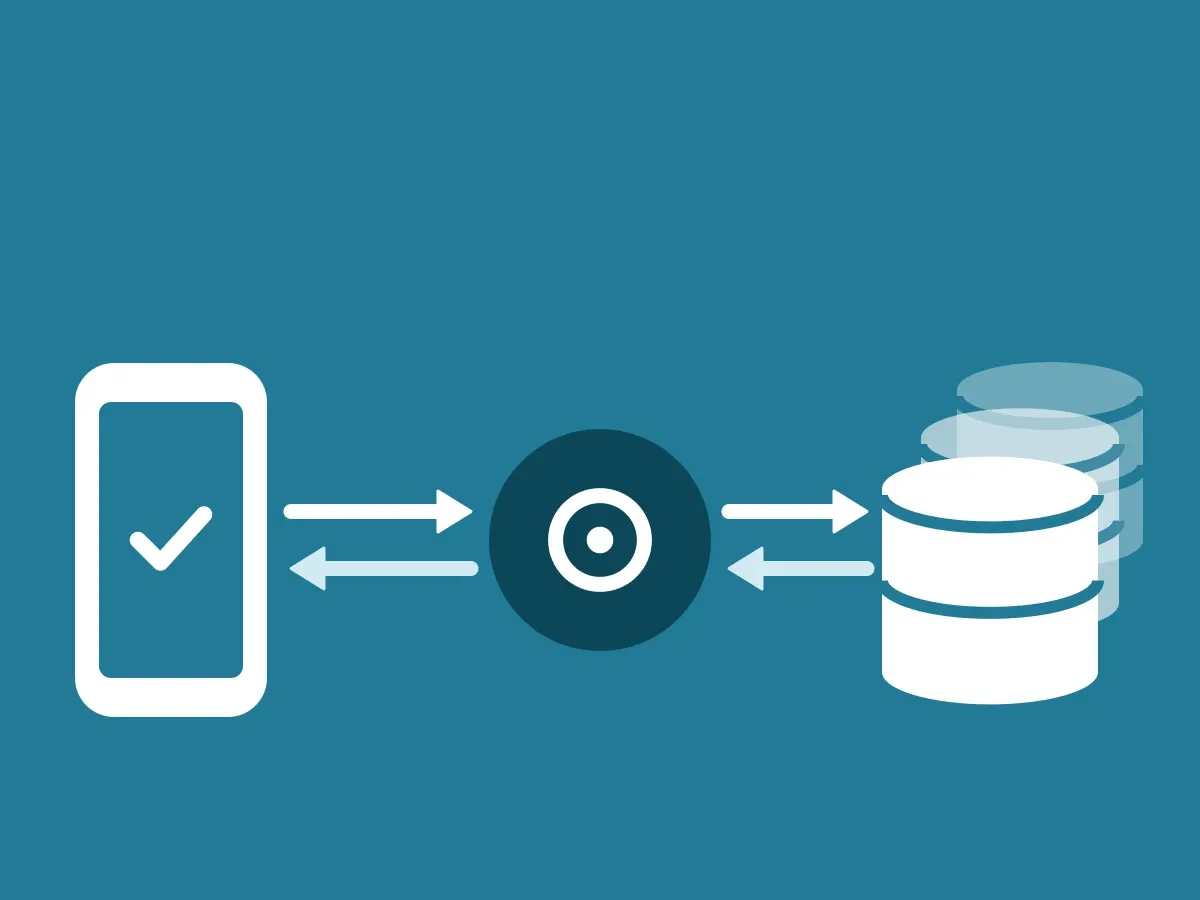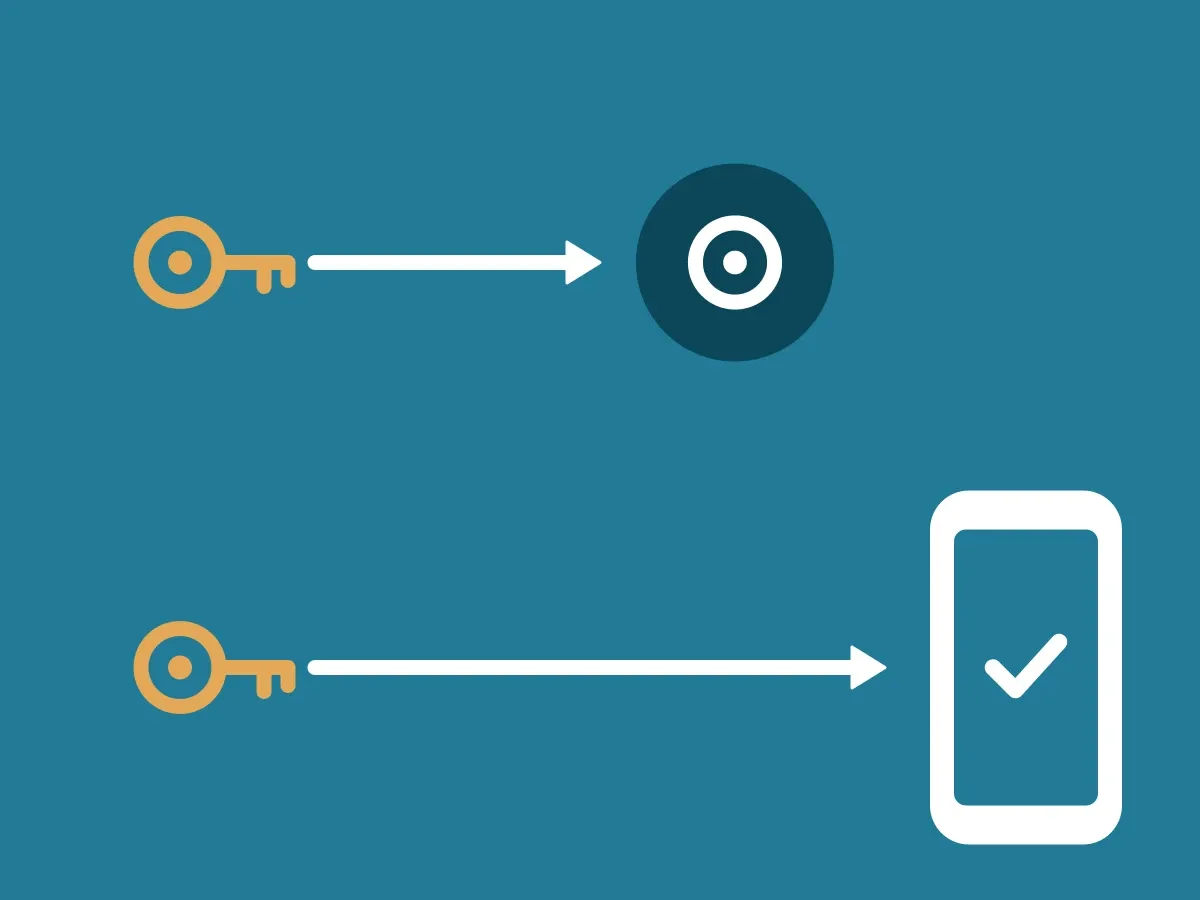
Your company’s data stays in your own ClientDB. The ID-Truster Hub only passes a verification signal on and deletes it right away. How that signal moves is in How data moves through the ecosystem. This article covers where data is created, where it is stored, and how stored data is protected. How the parts connect is in How the ID-Truster ecosystem fits together.
Where data is created
Data is created in two places, and the Hub is neither of them.
- In your systems. Your CRM, your own system, or your newsletter system sends a request to your ClientDB, signed with Ed25519. The request contains what ClientDB needs, such as the recipient, the channel, and the sender. ClientDB creates the trust code or the message and stores it.
- In the app. The user signs in with an email address and verifies the email addresses and phone numbers they own. The app sends them along with every check, so your ClientDB can see whether a code belongs to this user. Apart from the email address the user signs in with, all of this is stored encrypted or as a hash.
Your emails and texts never pass through ID-Truster. When you send a message with a trust code, ClientDB creates the code and hands it back to your system. Your own email system or SMS provider then sends the message, just as it does today.
Where data is stored
- Your ClientDB. ClientDB is a Supabase instance that ID-Truster provides. You run it self-hosted on your own infrastructure or in your own Supabase Cloud account. Codes, sends, and checks are stored here. Personal data is stored as an HMAC and encrypted. A trust code is stored only as an HMAC and cannot be recreated. Plain text exists only while a request is being processed, and it is never logged.
- The ID-Truster Hub. Of the user data ID-Truster stores, the only thing it can read is the email address a user signs in with. All other user data is encrypted or stored as a hash. Messages on their way through the Hub are deleted right away.
This is how the Hub stores a phone number and an email address that a user has verified in the app. The number and the address are only stored encrypted.
{
  "id": "07bd38e7-c859-446e-9940-222cd22278ab",
  "created_at": "2026-08-20 06:08:20.917874+00",
  "user_id": "3f8cf686-080c-492e-bd4a-d1f2d47e2880",
  "primary_phone": false,
  "salt_phone_number": "965a885b5209bd73a40dfec447db91b3c86c82a9424fefffec07541d1cee390b",
  "encrypted_phone_number": "2cx5+du0vSfUt7Ku:ssuAJOmMclkgELjKvcA=:QkyvJzaNasQiuBiWJJwsrw=="
}{
"id": "fba39ff3-020c-48f9-9a66-2782acfc976d",
"created_at": "2026-11-03 09:22:00.651176+00",
"user_id": "4bf8c4cc-0df9-473c-81b8-73baac0facf5",
"salt_email": "248e6a9905368eaefec806a3c0b33f65413099e7305cea24cf7cfbdd7c3d6025",
"encrypted_email": "ecJHUmQ8c8eah/DS:NU1zuGUXC21gGRQgiJQd4z0KNDijOw==:mGRAJWq+MIMr1W0SRahOiw=="
}Where your keys are stored is in How your two signing keys work.
How stored data is protected
| Technique | Where | What it does |
|---|---|---|
| HMAC | Personal data and trust codes in ClientDB | Lets ClientDB find a match without storing the value in plain text |
| Encryption | Personal data in ClientDB and user data in the Hub | Keeps stored data unreadable |
| Hash | Phone numbers in the Hub | Lets the Hub find the right app without seeing the number |