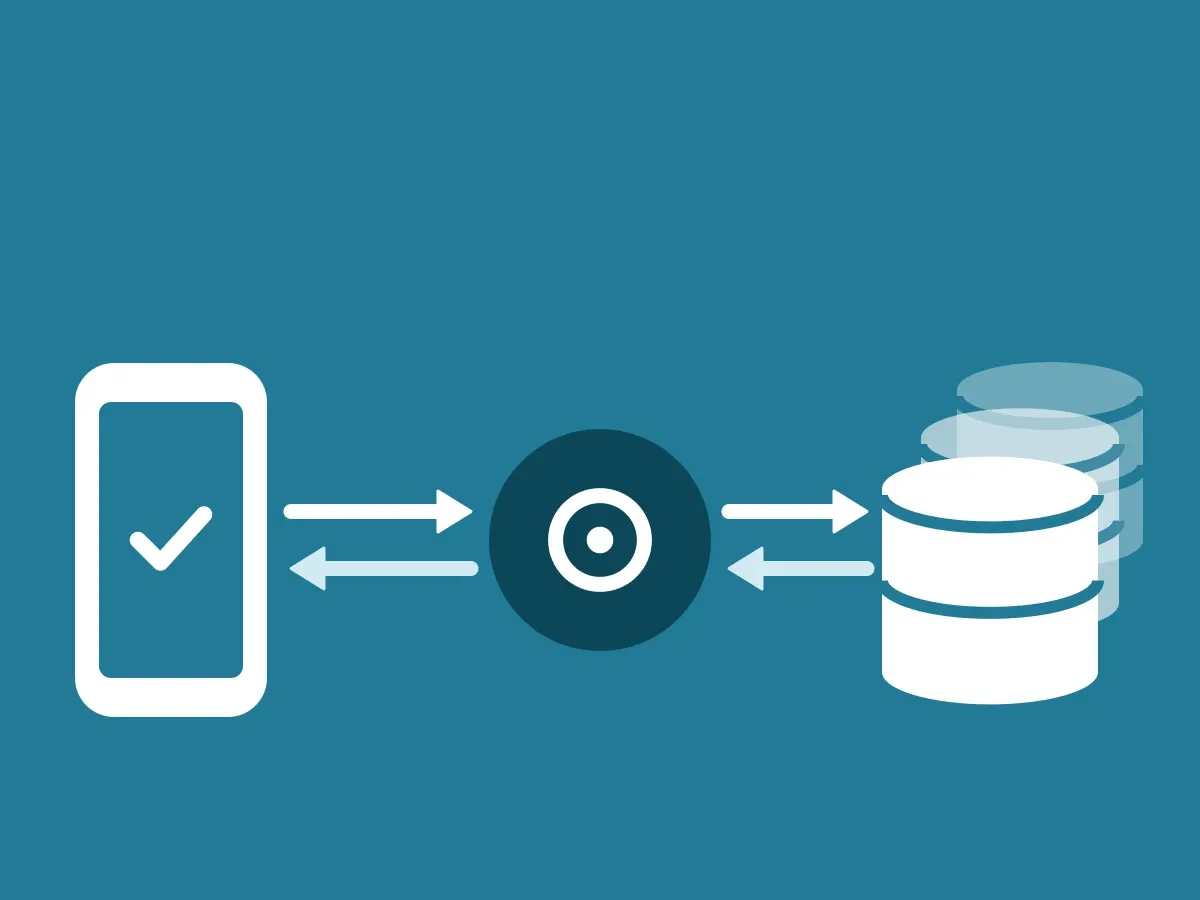
Your company’s data stays in your own ClientDB. What moves through the ecosystem is a signed verification signal with a little metadata, sent from your ClientDB through the ID-Truster Hub to the recipient’s app, and the answer back the same way. This article covers the two directions, what the signal looks like, and what happens to it afterwards. How the parts connect is in How the ID-Truster ecosystem fits together.
Two directions through the Hub
Only the verification signal moves through the Hub, in two directions. Your emails, texts and calls never do.
- From your ClientDB to the app. ClientDB signs the message and hands it to the Hub. The Hub finds the right app and sends a push. When a message is for a phone number, the Hub only sees the number as a hash and finds the app by matching the hash.
- From the app to your ClientDB. The app sends a request to the Hub, for example a trust code together with the user’s email addresses and phone numbers. The company ID in the code tells the Hub which ClientDB the request is for. The Hub writes it to a table that only your ClientDB listens to. Your ClientDB picks it up, checks it, and sends a signed answer back the same way.
Pick a flow to see what happens, step by step.
Check a trust code
- Your newsletter goes out with a trust code made for this one recipient. It does not pass through ID-Truster.
- Your customer copies the code into the app and taps Check. The app sends it to the ID-Truster Hub.
- The format of the code tells the Hub which company made it. The Hub holds it only for a few seconds.
- Your ClientDB calls the Hub and picks up the code.
- ClientDB checks that the code was made for this exact customer and signs the answer.
- The signed answer goes back through the Hub. The app picks it up.
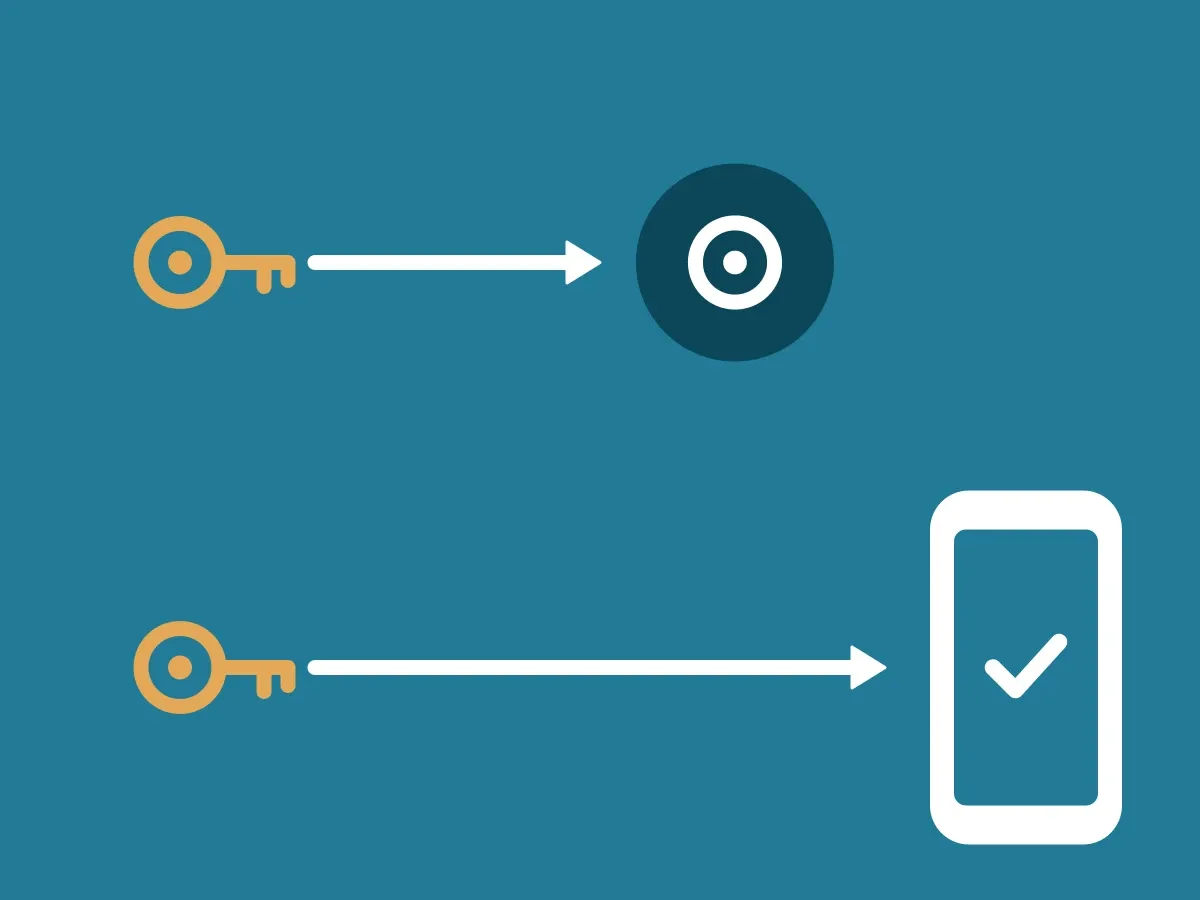
- The app checks the signature against the Ed25519 key in your DNS. Then your customer answers three questions about the message. All in a few seconds.
Call a customer
- Your employee clicks Call in your CRM.
- Your ClientDB signs a message and sends it to the ID-Truster Hub.
- The Hub sends a push to your customer's app.
- The app checks the signature against the Ed25519 key in your DNS and shows who is about to call.
- Your customer taps Confirm.
- The confirmation goes back through the Hub to your ClientDB and your CRM. Now your employee calls as usual.
What the signal looks like
Below are two examples of the signal ClientDB sends to the Hub when your company is about to make a call. The first is a call to a customer or partner outside your company. The caller’s name and the confirm code are sent as plain text, so the recipient’s app can show them. The second is a call to a colleague inside your company. Here the caller’s name and the confirm code are encrypted before they leave your ClientDB, so the Hub cannot read them.
Call to a customer or partner: name and code in plain text
{
  "input_search_id": "+4512345678",
  "input_customer_employee_id": "EMP-001",
  "input_initiator_info_raw": "{\"name\": \"Jane Doe\"}",
  "input_confirm_code": "0842",
  "input_phone_push_type": "outbound_pre_call",
  "input_client_call_id": "3f2b8c1e-6d4a-4f7b-9a2e-1c5d8e7f9a0b",
  "input_app_issued_at": "2026-10-12T08:00:00Z",
  "input_app_nonce": "00112233445566778899aabbccddeeff",
  "input_app_signature": "<base64>"
}
Call to a colleague: name and code encrypted
{
  "input_search_id": "+4512345678",
  "input_customer_employee_id": "EMP-001",
  "input_initiator_info_raw": "q8Zt3vN1kR7xW0bE5mY2cJ9pL4sH6dA0fU3gT8iO1nV5==",
  "input_confirm_code": "Xr4Lm9Qe2Wb7Tz1Kd8Ns5Hv0Pc3Jy6==",
  "input_phone_push_type": "outbound_pre_call",
  "input_client_call_id": "3f2b8c1e-6d4a-4f7b-9a2e-1c5d8e7f9a0b",
  "input_app_issued_at": "2026-10-12T08:00:00Z",
  "input_app_nonce": "00112233445566778899aabbccddeeff",
  "input_app_signature": "<base64>"
}
What happens to the signal afterwards
The Hub passes each message on and then deletes it right away. What is stored, and where, is in Where data is stored.