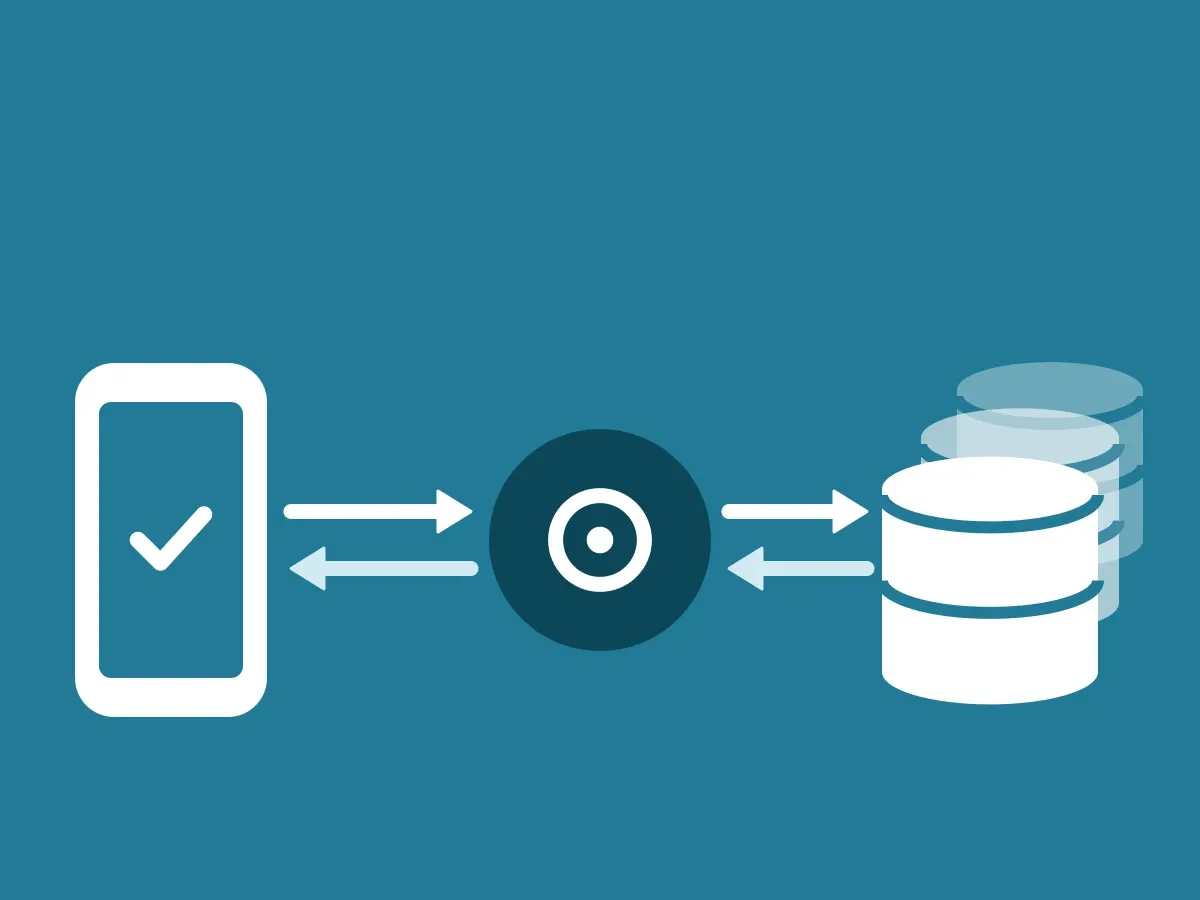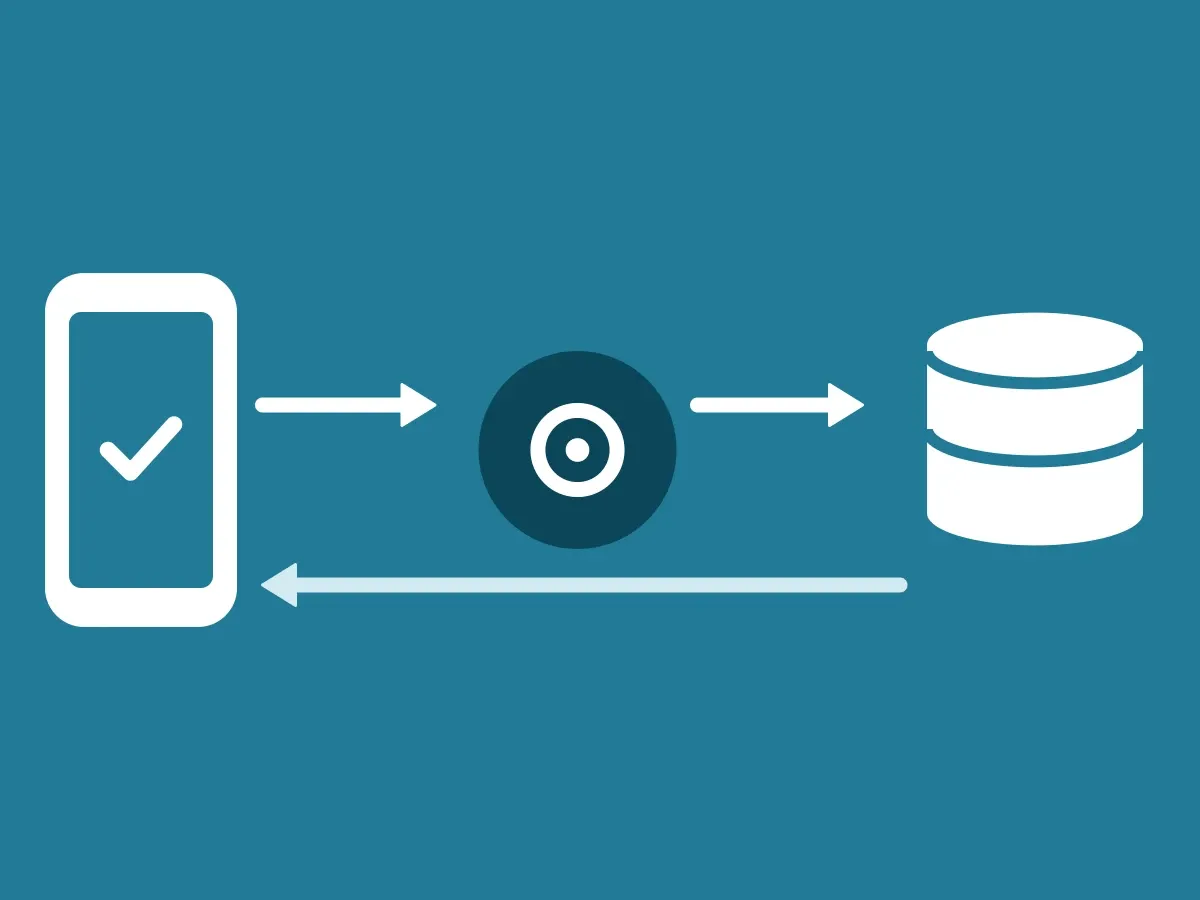
Your ClientDB uses two Ed25519 keys. The connection key signs every call your ClientDB makes to the ID-Truster Hub. The answer key signs every answer and message your ClientDB sends to the app. This article covers where your keys are, who checks them, and what the app checks before it shows your business card. How the parts connect is in How the ID-Truster ecosystem fits together.
Where your keys are
| Key | Signs | Checked by | Public key stored |
|---|---|---|---|
| Connection key | Calls from your ClientDB to the Hub | The Hub | In the Hub. You send it when you set up ClientDB |
| Answer key | Answers and messages from your ClientDB to the app | The app | In your DNS at _idtruster.<your domain>, protected with DNSSEC |
Both private keys are stored only in your ClientDB. They never leave your systems and are never sent to ID-Truster.
Who checks what
- The Hub checks the connection key. Every call from your ClientDB to the Hub carries your username, password and token, and is signed with your connection key. The Hub checks the signature with the public key you sent when you set up ClientDB. A stolen password and token are not enough to call the Hub as your company.
- The app checks the answer key. Every answer and message from your ClientDB is signed with your answer key. The app fetches the public key from your DNS and checks the signature before it shows your customer anything.
Because the public part of your answer key is in your DNS and not at ID-Truster, the Hub cannot fake an answer from you, and no other company in the ecosystem can either.
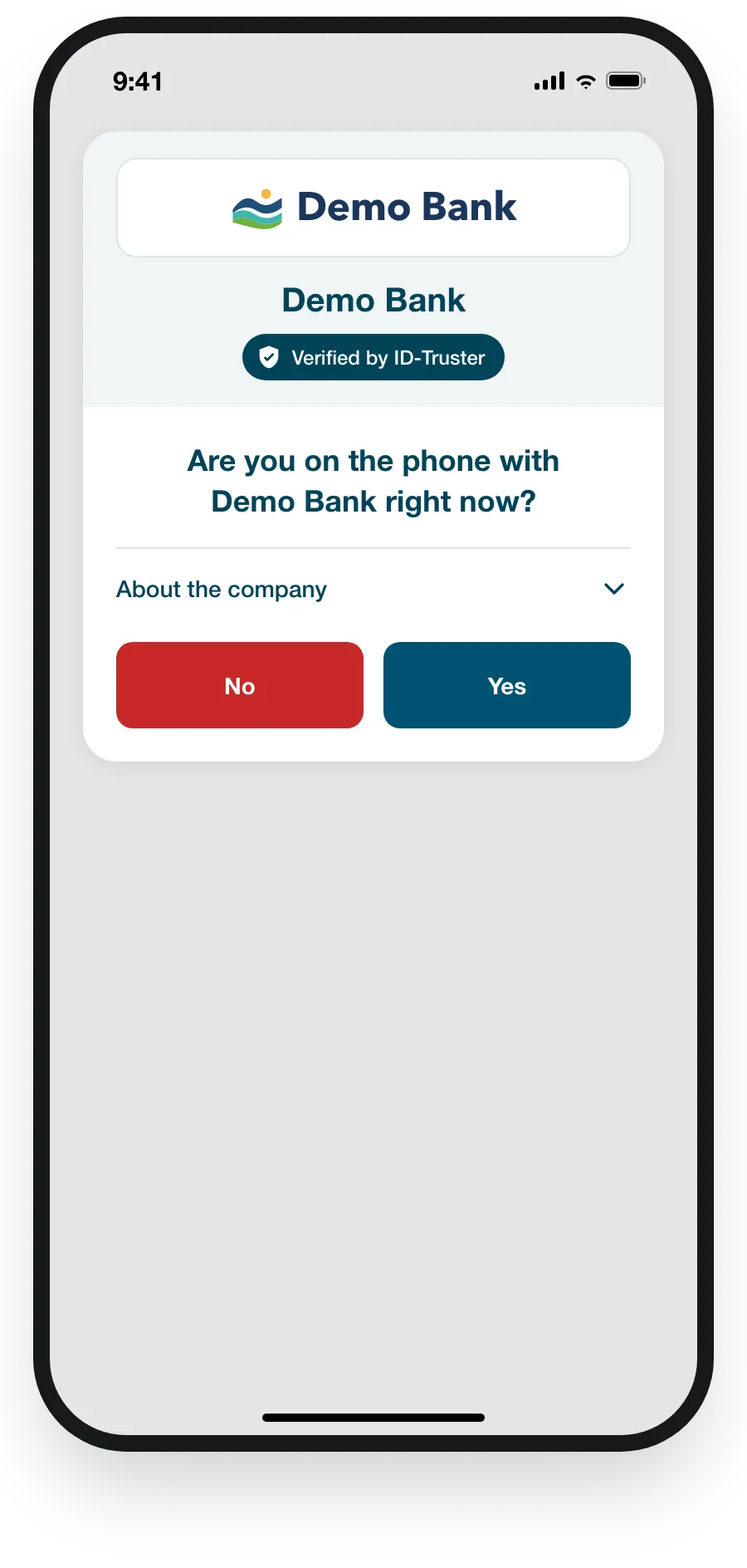
What the app checks before it shows your business card
Before the app shows your business card to your customer, it checks the answer from your ClientDB. The answer is signed with your answer key, and the app checks the signature against the public key you have placed in DNS on your own domain. If the signature does not check out, the app shows “This message could not be verified. Treat it as not genuine.”
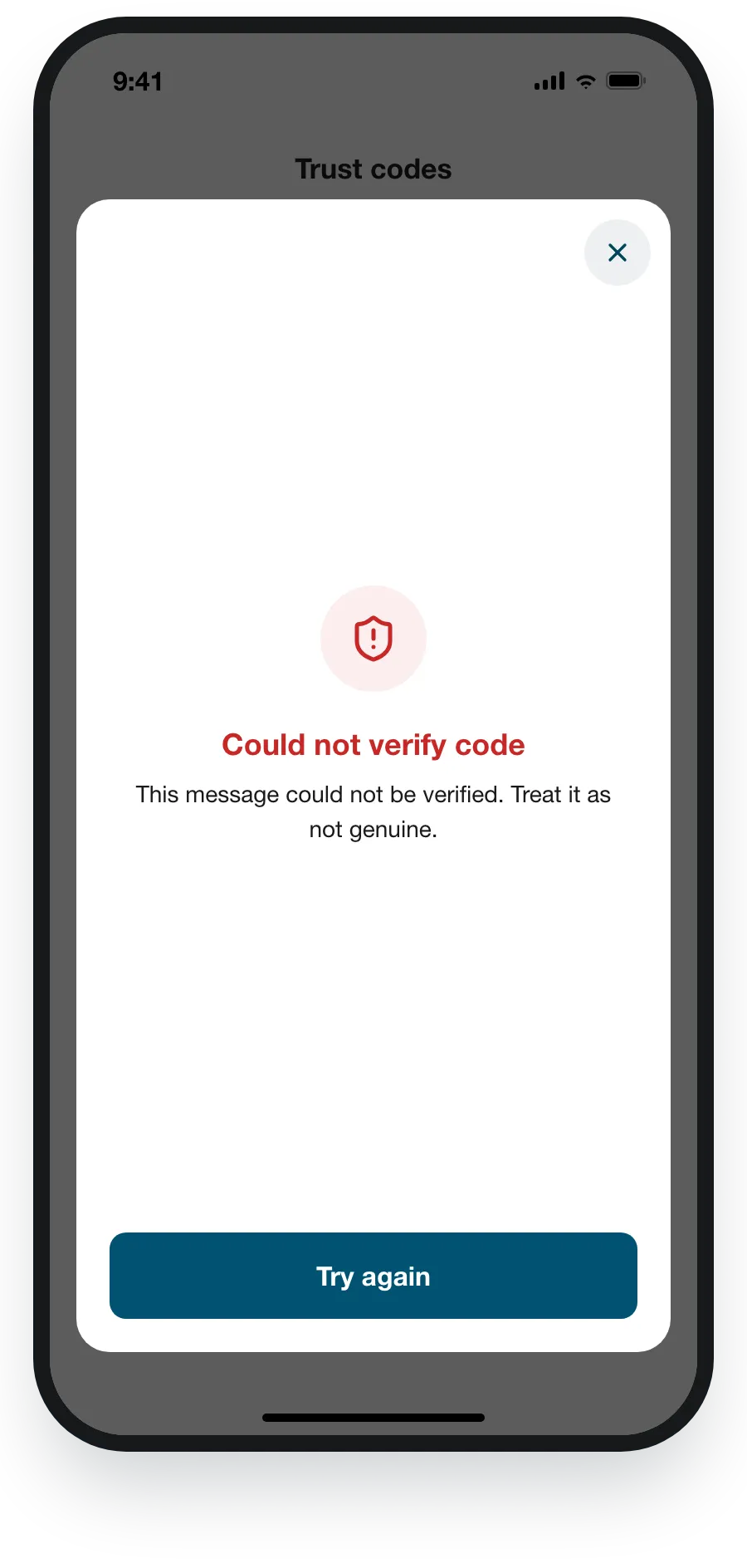
The check step by step is in How a trust code is verified.