
Online meetings
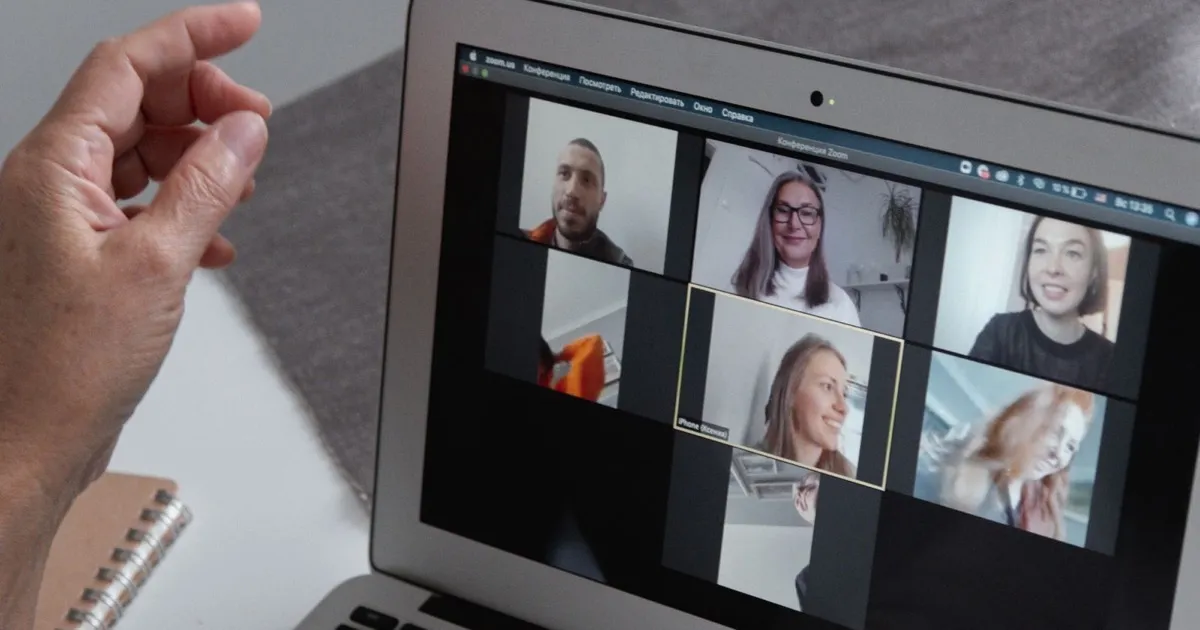
Now you can see who is really in your meeting.
One click in your CRM sends a check to everyone in the meeting. Each person confirms in the free ID-Truster app and gives their own PIN in the meeting. Within about 30 seconds, you see who has confirmed and who has not.
See the difference
Same face. Same voice. Only one can give the PIN.

The right PINYou know it really is Michael.
No PINYou know to stop before anything is shared.
A face and a voice can be copied, and an account can be taken over. What cannot be copied is the PIN that only appears in the app on the real person's phone.
So you do not have to judge a face on a screen. Either the person gives the right PIN, or you know to stop before the meeting goes on.
For your company
Meetings where everyone knows who they are talking to
When everyone in the meeting has confirmed who they are, you can talk freely and decide with confidence.
Confidence before you share
Check the participants before you show figures, plans, or customer data.
Harder to join in someone else's name
A person who cannot give the PIN stands out, so you know who to ask to leave.
No awkward questions
Nobody has to quiz a colleague or a customer to prove who they are.
Done in about 30 seconds
Everyone answers at the same time, without leaving the meeting.

Who you can check
Your own team, and the people you meet outside it
Check colleagues across offices and subsidiaries. For your own employees, the check also shows that the phone belongs to someone in your company.
With the external option, you can also check customers, partners, and suppliers before the meeting gets serious.
See how participants are confirmed, step by step
Your systems
Your meeting tool stays as it is. The check runs beside it.
ID-Truster does not connect to your meeting tool and does not touch the meeting. It runs as a separate system next to it, between your CRM and the app on each participant's phone.
The only link between the two is the PIN, which each person says aloud or writes in the meeting chat. So it works in the online meetings you already hold, and your meeting admin chooses for each meeting whether the PIN is said or written.
See which systems it works with See how ID-Truster runs alongside your systems
Get started
See it in your own meetings
Start with a pilot. Meetings work right away between colleagues in your own company, and reach customers and partners once your company is verified.
Talk to us about a pilotWant to see a participant's side first? Download the free app.


Questions about meetings
What do the participants need?
The free ID-Truster app, set up with the phone number or email address you have on file for them.
Which meeting tools does it work with?
Any online meeting where people can talk or write in a chat. The check is started from your CRM, not from the meeting tool.
Can a deepfake pass the check?
A deepfake can copy a face and a voice, but it cannot read the PIN in the app on the real person's phone. If the person in the meeting cannot give the PIN, it did not come from the person you know.
Why does each person get their own PIN?
So you know who gave which PIN. A shared PIN could be passed on to someone else in the meeting.
What happens if someone says no?
Your company is warned that someone may be pretending to be that person. The app tells the participant to leave the meeting and not share codes or information.
What does it cost?
You can read about prices under Plans.
What do we need to set up?
Your IT team connects ID-Truster to your CRM or your own system through our API. Your meeting tool stays as it is.
From the blog
More on verified meetings
Meetings
A familiar face in your meeting is no longer proof
The FBI found fake meetings that played recorded video of people the victims knew. With ID-Truster Meetings, everyone proves who they are with a PIN.