It is hard and slow to work out who really sent an email or a text message. With a trust code, your customer does not have to guess. They check the code in the free ID-Truster app on their phone or desktop and get an answer in a few seconds.
This article covers what a trust code is, how it is built, and how your systems issue it. The check itself is covered in How a trust code is verified. What trust codes do for your business is on ID-Truster Messages.
Locked to one email address or phone number
A trust code is locked to the email address or phone number you sent it to. Only a user who is signed in to ID-Truster and has verified that they own that email address or phone number can check it. For anyone else, the check fails.
The code is a random string. It means nothing on its own. A guessed code does not help either, because a code only counts if it also matches the user who checks it.
The format
Every trust code from a company follows the same pattern.
i10dem05iw5gtq
qCheck character Catches typing errors when the code is entered.5iw5gtUnique code Created by your system for this one recipient.0Separator Marks where the unique code begins.demCompany ID Tells ID-Truster which company created the code.0Separator Marks where the company ID begins.1Version The version of the trust code format.iCompany marker Every trust code from a company starts with i.
- Version. Only version 1 exists. Other versions are rejected.
- Company ID. Assigned by ID-Truster when your company is onboarded. At least three characters.
- Unique code. Six random characters, created for one recipient.
- Check character. Catches typing errors. It is not a signature.
- Character set. Codes use 34 characters, the digits 1 to 9 and the lowercase letters a to z except o. The letter o is left out because it looks like 0, and 0 never appears in the company ID or the unique code. That is why 0 always works as a separator.
- Randomness. The unique code comes from a cryptographically secure random source. Six characters give about 1.5 billion combinations.
- Uniqueness. ClientDB stores the unique code only as an HMAC, with a unique index. If a new code collides with an existing one, ClientDB generates a new code.
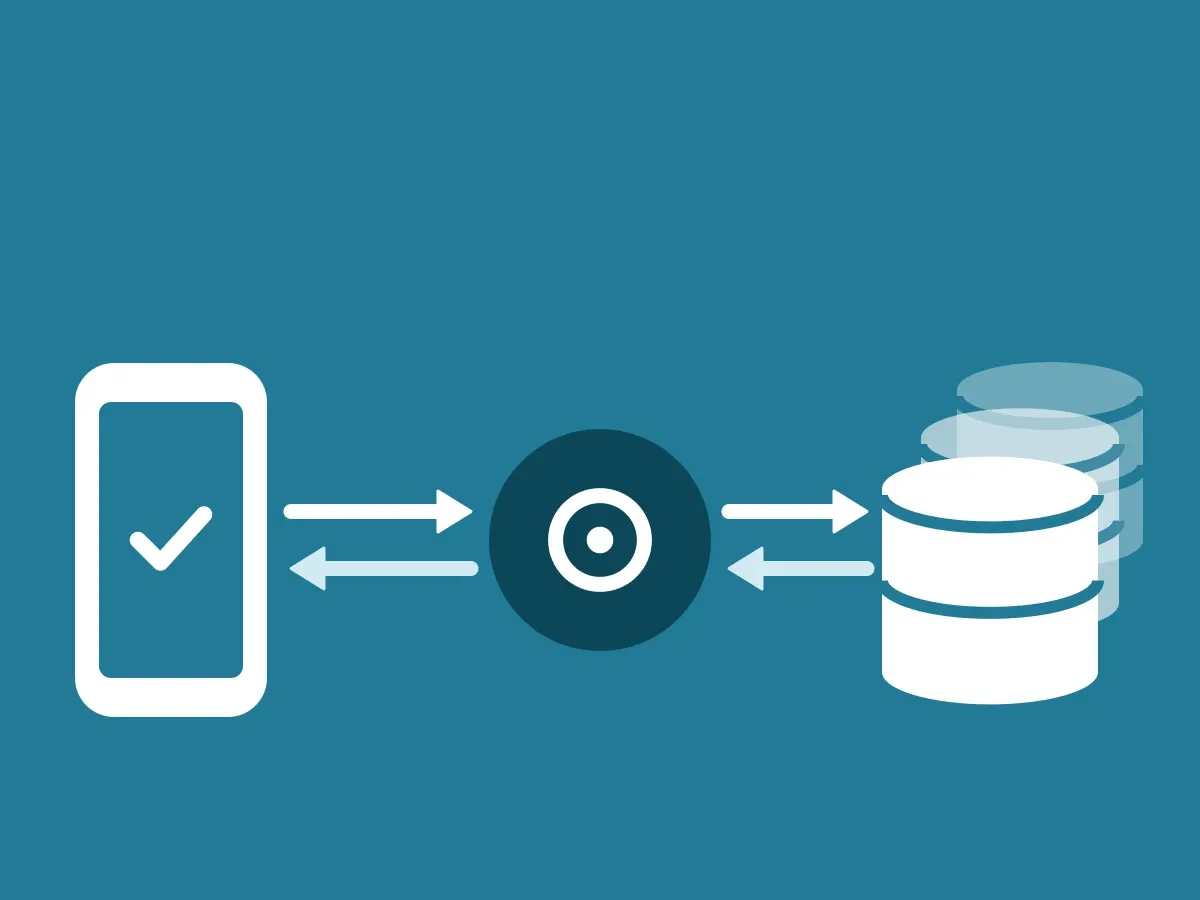
- Routing. The company ID tells the ID-Truster Hub, ID-Truster’s central system, which company issued the code, so the check can be passed straight on to your ClientDB.
When the code is created
Your system can create the code and insert it into the message whenever it suits your flow, including well in advance.
What matters is the send time. When the message actually goes out, your system marks the send as sent, and that time is stored with the code. A code only works once its send is marked as sent.
The send time is used when the code is verified. Your customer is asked when the message arrived, and the answer has to match. So the send time must be set at the moment the message goes out, not when the code was created. If the message goes out much later than the stored time, the time does not match and the check can fail.
For newsletters, this means you can prepare the whole newsletter with one code per recipient. When you click send, the send time is set for every recipient. Our Mailchimp integration handles this for you.
How a code is issued
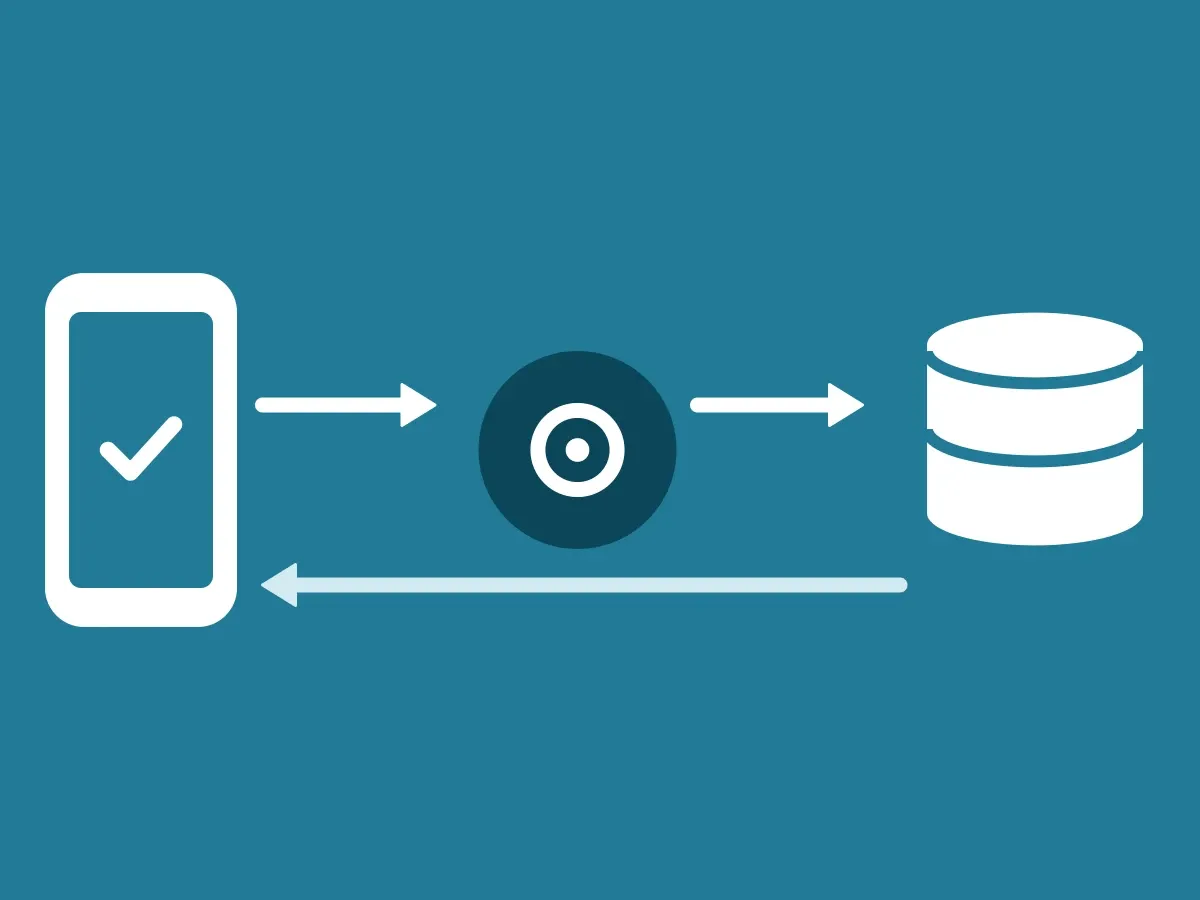
Your CRM or your own system calls client_text_codes_create in your ClientDB. The request contains the recipient, the channel, the sender address, the employee ID, and details about the sender. ClientDB returns the finished code once. Your system inserts it into the message and sends it as usual. ClientDB never sends emails or text messages itself.
- Before a code is issued, ClientDB checks with the Hub that your company is active.
- Newsletters use
client_text_codes_create_batch. A ready-made Mailchimp integration is available today. - Text messages follow the same flow. Your system creates the code through ClientDB and sends it with your current SMS provider.
- Emails with a trust code must be sent from an address on your company’s own domain.
What your ClientDB stores
Codes are issued, stored, and checked in your own ClientDB. ID-Truster does not know how many codes you create or who you send them to.
- Per send. When it was created and sent, its status, the channel, the sender address (encrypted), the employee ID (HMAC and encrypted), the sender details (each field encrypted), and the CRM user who created it.
- Per code. When it was created, its status, the recipient (HMAC and encrypted), and the unique code as an HMAC only. The code itself is never stored in plain text and cannot be recreated.
- Per check. The time and the outcome.
Plain text exists only while a request is being processed, and it is never logged. Trust codes do not expire automatically today.