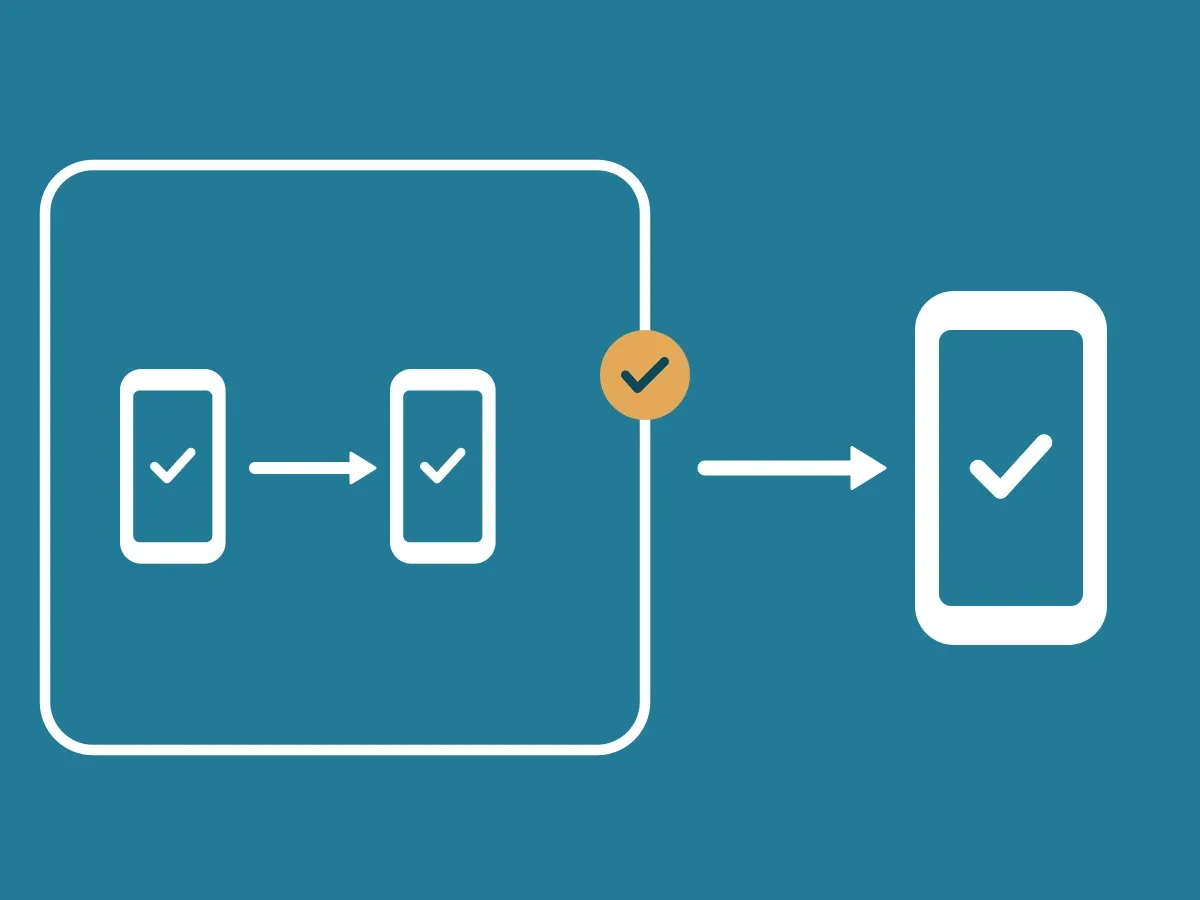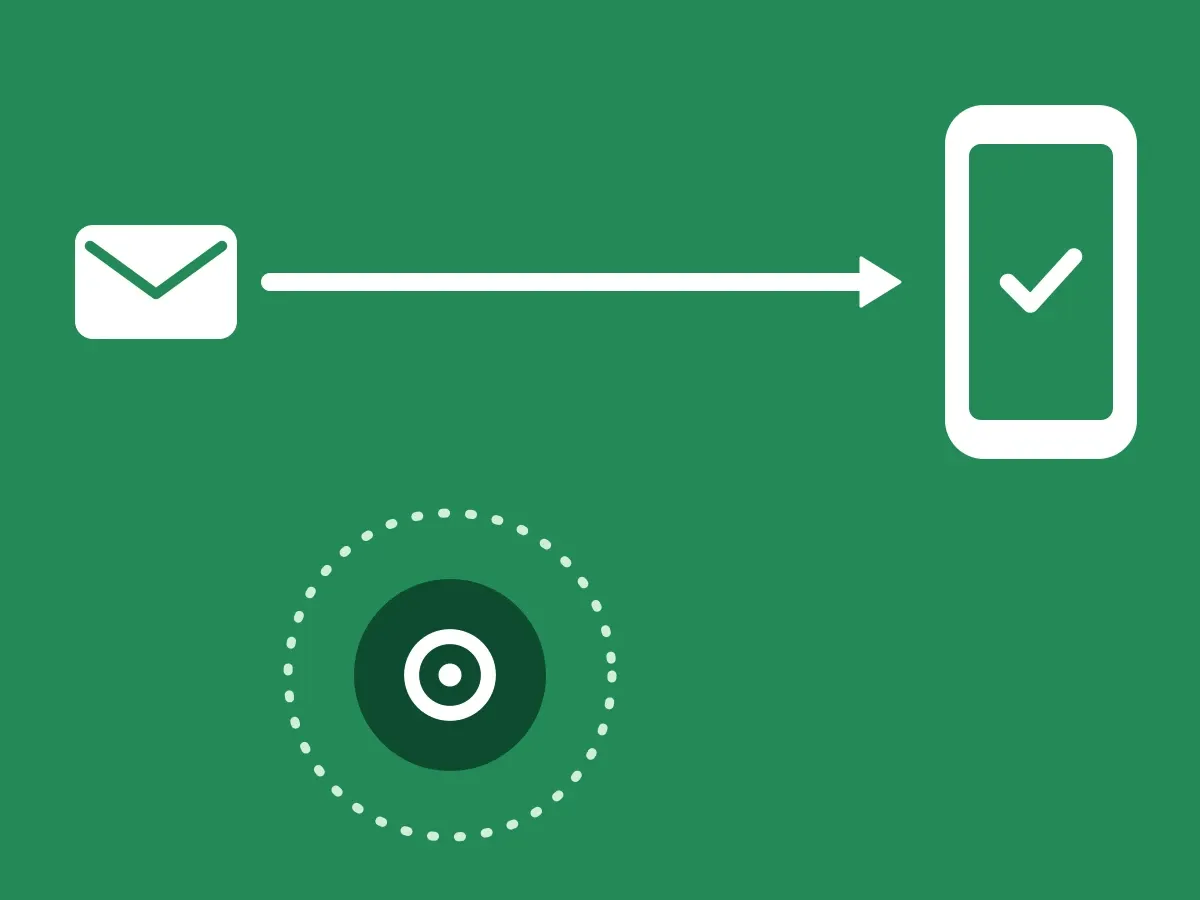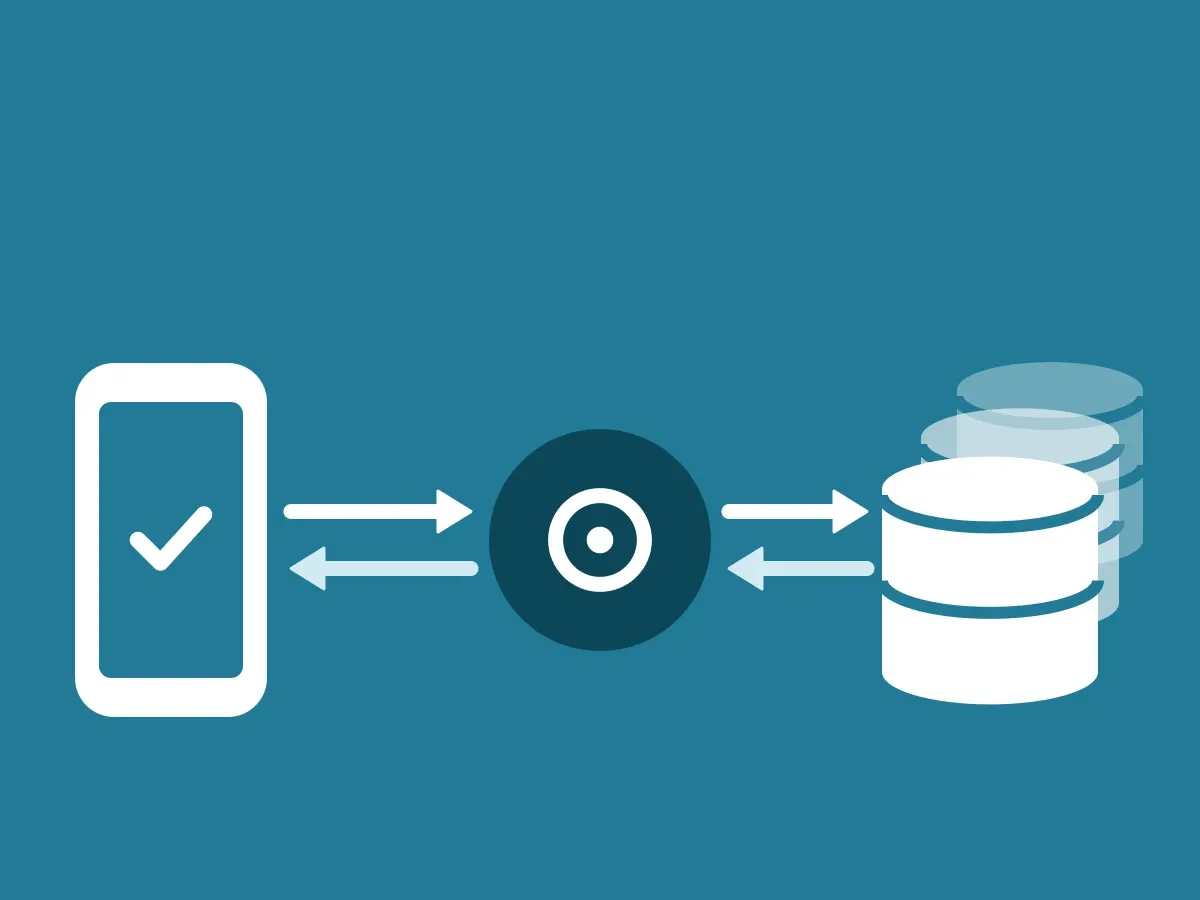
ID-Truster has three products. Meetings, Calls, and Messages. They run on the same ecosystem, but you do not have to use all three. How the parts connect is in How the ID-Truster ecosystem fits together.
Turn each product on or off
Your admin turns each product on or off in your ClientDB. You can start with one product and add another later, or stop using one and keep the rest.
You also decide where each product is used. For example, Messages can be on in your emails and off in your texts. Your company controls this, not ID-Truster.
Use a product consistently on a channel
Your customers learn what to expect from you. If your emails carry a trust code, an email without one looks wrong. If your calls are verified in the app, a call that is not verified raises doubt.
Switching a product on and off on the same channel creates that doubt. Once you start on a channel, keep using it there.
Telling your customers is your job. Let them know when you start using ID-Truster on a channel, and when you stop.
Try ID-Truster and stop again
ID-Truster is a parallel channel for verification. Your emails, texts, calls, and meetings go through your own systems, not through ID-Truster. How that works is in ID-Truster runs alongside your systems.
That makes it easy to try ID-Truster for a period and see how it works in your daily routine. If you stop, nothing in your own systems has to change.
What happens when you stop
Calls and Meetings are checked in real time. When you turn them off, your customers can no longer verify your calls and meetings in the app.
Messages is the only product with a history. Trust codes in emails and texts you have already sent stop working if your company cancels ID-Truster or stops running its ClientDB.
If you stop using ID-Truster completely, we remove your company from ID-Truster, and you close your ClientDB.