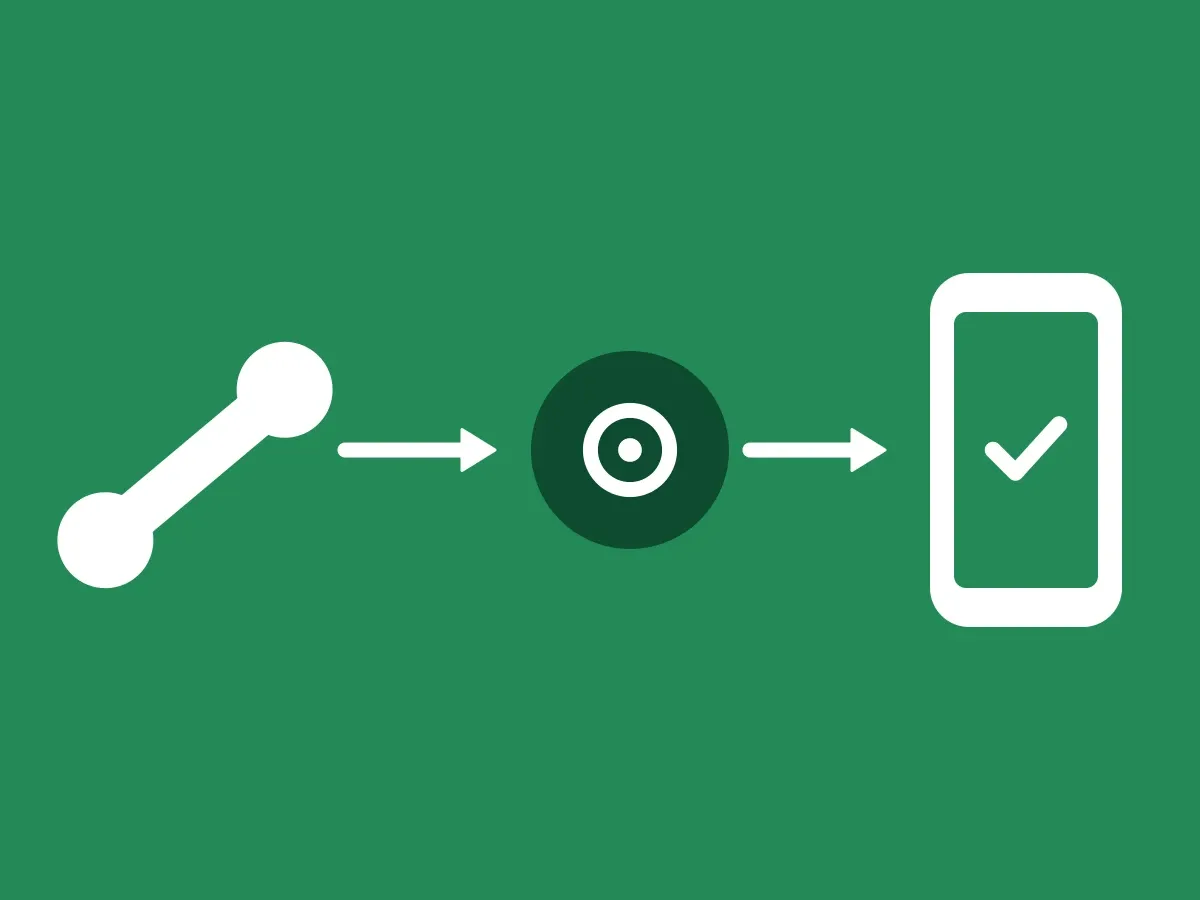
This article follows an inbound call, where your customer calls you, from the moment your employee looks them up in your CRM until the PIN has been checked. When you call your customer instead, see How an outbound call is verified.
How the check works
A customer calls, and you want to be sure it really is them. Your customer also gets proof that they are talking to your company.
-
Your employee finds the customer
Your employee finds the customer in your CRM and clicks a button.
-
The push goes to the number on file
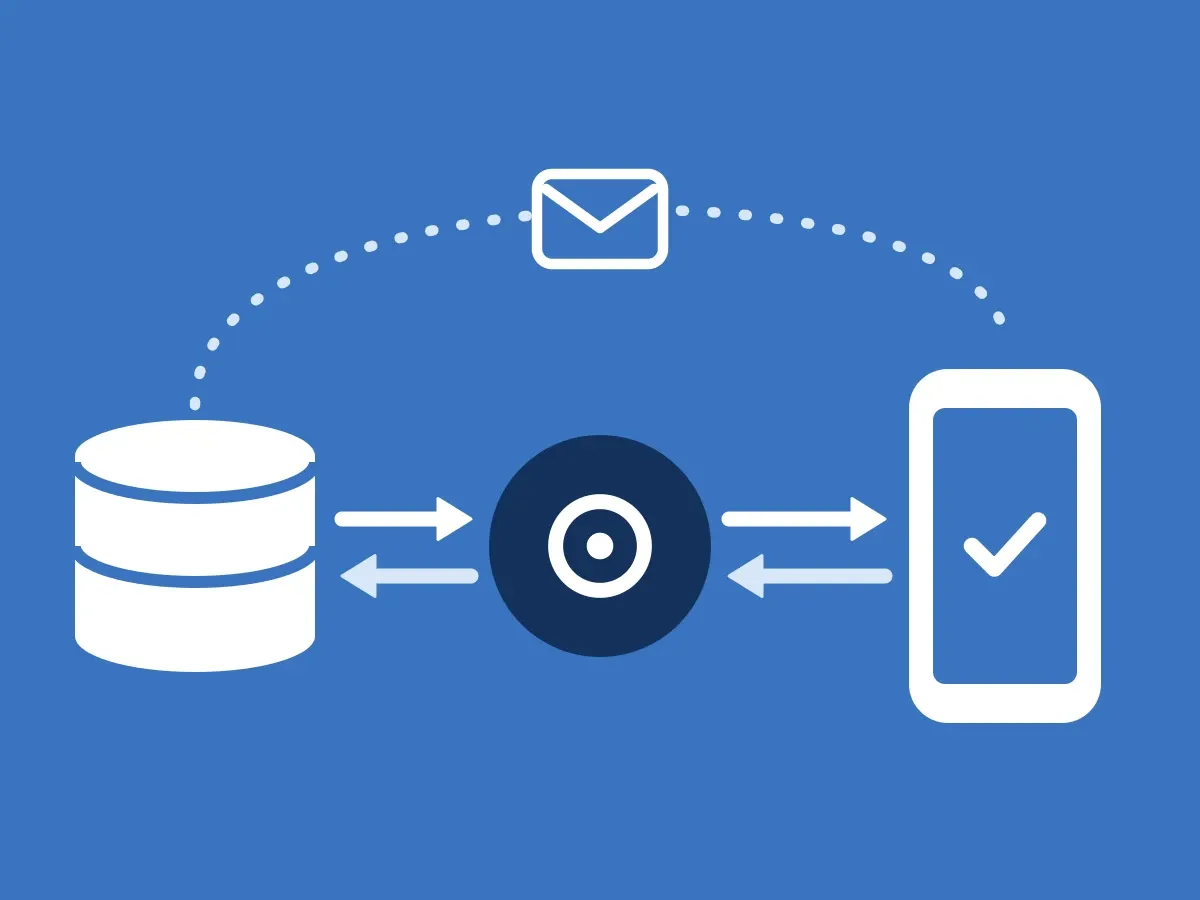
ClientDB signs the push with your Ed25519 key and sends it through the ID-Truster Hub to the ID-Truster user with the phone number you have on file for that customer. The Hub sees the number only as a hash.
-
Your customer confirms the call
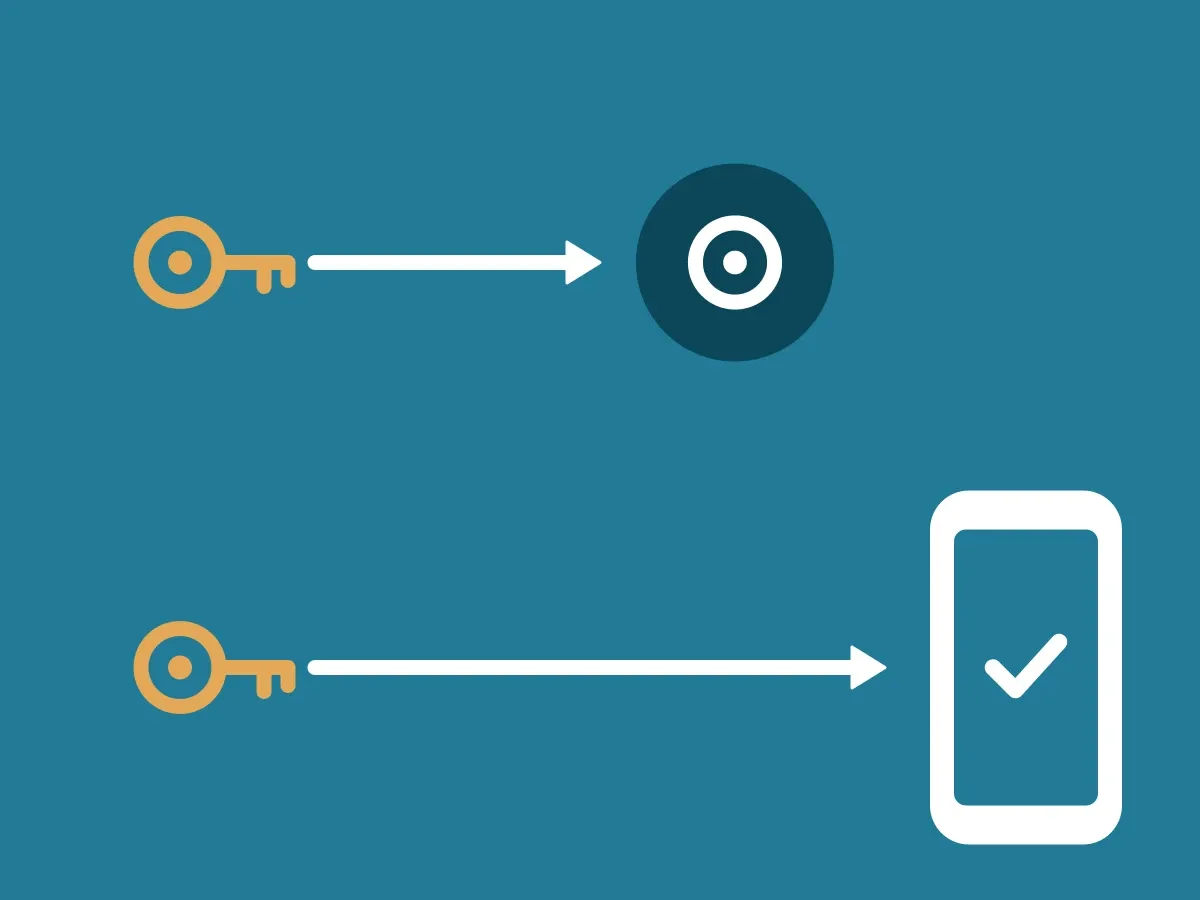
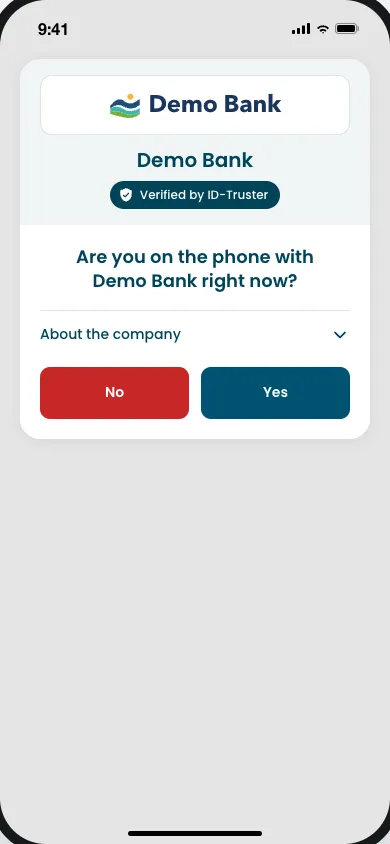
The app checks the signature against the public key in your DNS, shows your company name, and asks whether your customer is on the phone with your company right now.
-
Your customer says the PIN
If the check includes a PIN, a yes asks for Face ID before the PIN is shown. The app then asks your customer to say the PIN to your company. Your employee checks in the CRM that it matches. Without a PIN, a yes confirms straight away.
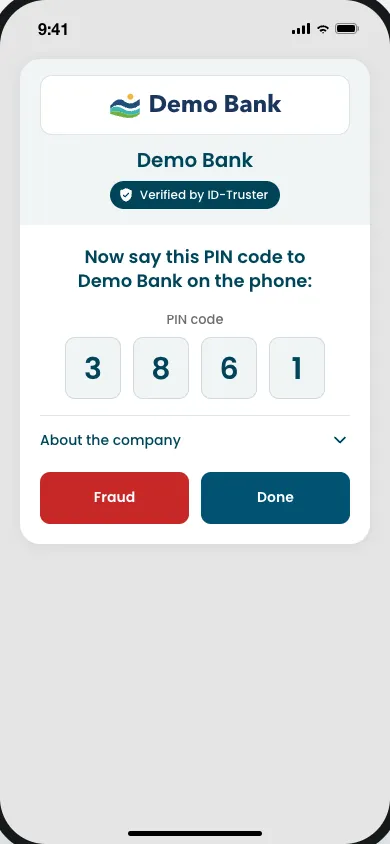
The whole check takes a few seconds, while your customer is still on the line.
Why the PIN is said on the call
A yes in the app is not enough on its own. Your customer may really be calling you and waiting in the queue. If someone else calls at the same time and pretends to be your customer, your employee sends the push, and the real customer sees it and taps yes in good faith.
That is why the PIN has to be said on the call itself. Only the person on the line your employee is talking to can say it. If the caller cannot say the PIN, the yes came from someone else.
When the customer says no
If your customer says they are not on the phone with your company, or taps Fraud after seeing the PIN, the app reports a possible fraud attempt. Your company is warned that someone may be pretending to be your customer. The app tells your customer to hang up and not share codes or information.
If Face ID is declined, the PIN stays hidden, and the app asks your customer to turn on Face ID and try again.
What the check proves
The check proves that the person on the line has access to your customer’s ID-Truster account. That means they are signed in with the email address you know, or they have added the phone number you have on file. A phone number can only be added after ID-Truster has sent a PIN code to it, so only someone with that number can add it.
The check cannot tell you how the person got that access. If someone has taken over your customer’s phone or account, or is forcing your customer to confirm, the check will still pass. Use it as a strong signal, alongside the checks you already make, and not as the only one.
Who sees what
- The ID-Truster Hub sees the phone number only as a hash. It passes the push on and deletes it right away. It never connects to your ClientDB.
- Your ClientDB sees which customer was checked, by whom, and what they answered.
- The app gets the signed push, asks the question, and shows the PIN after Face ID. Call checks only happen in the phone app.
What the signal looks like is in How data moves through the ecosystem. How your keys work is in How your two signing keys work.
When a call cannot be verified
If the signature does not check out, the app does not show the call card. It opens a sheet once and says the call could not be verified, and should be treated as not genuine. Your company is notified, so you can look into it.
The card stays in the app for up to 10 minutes from when the check was created. The desktop app has no call cards.