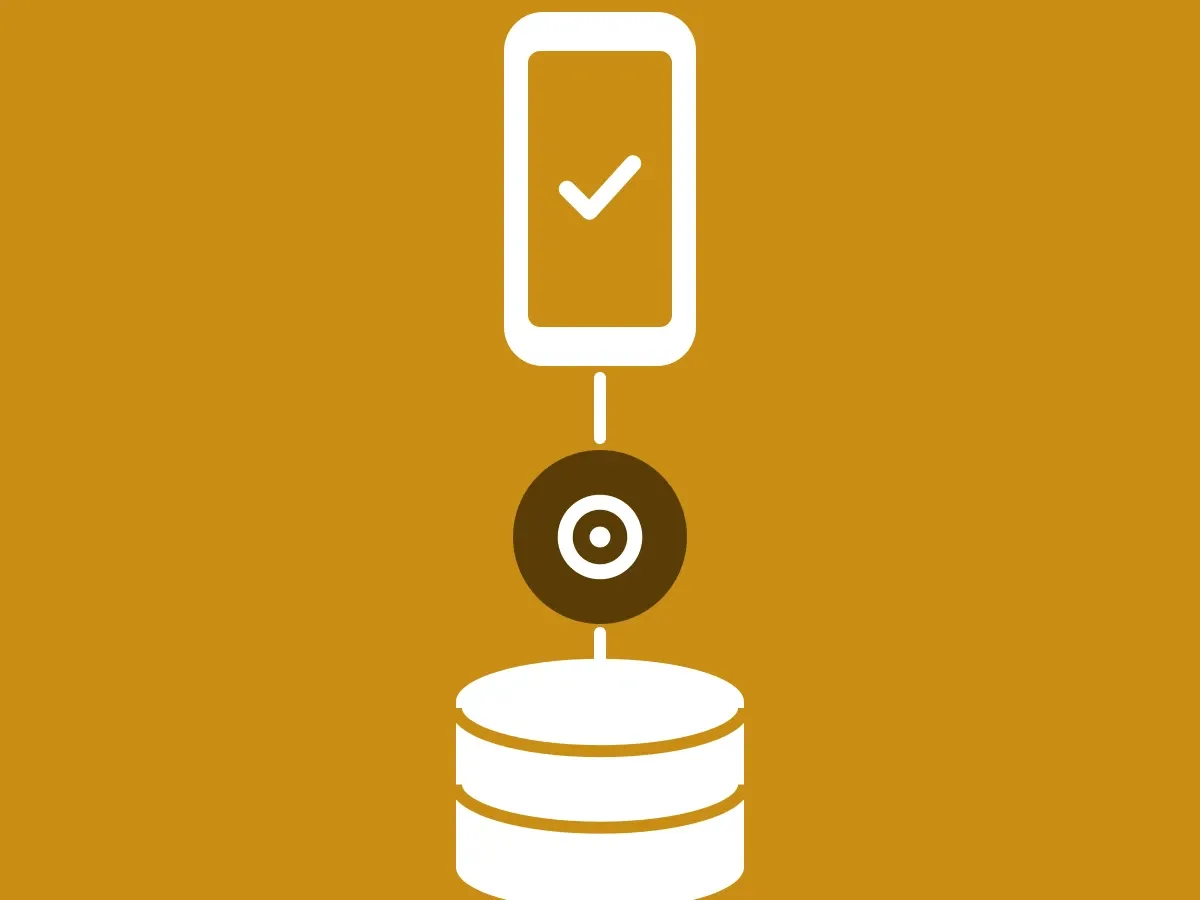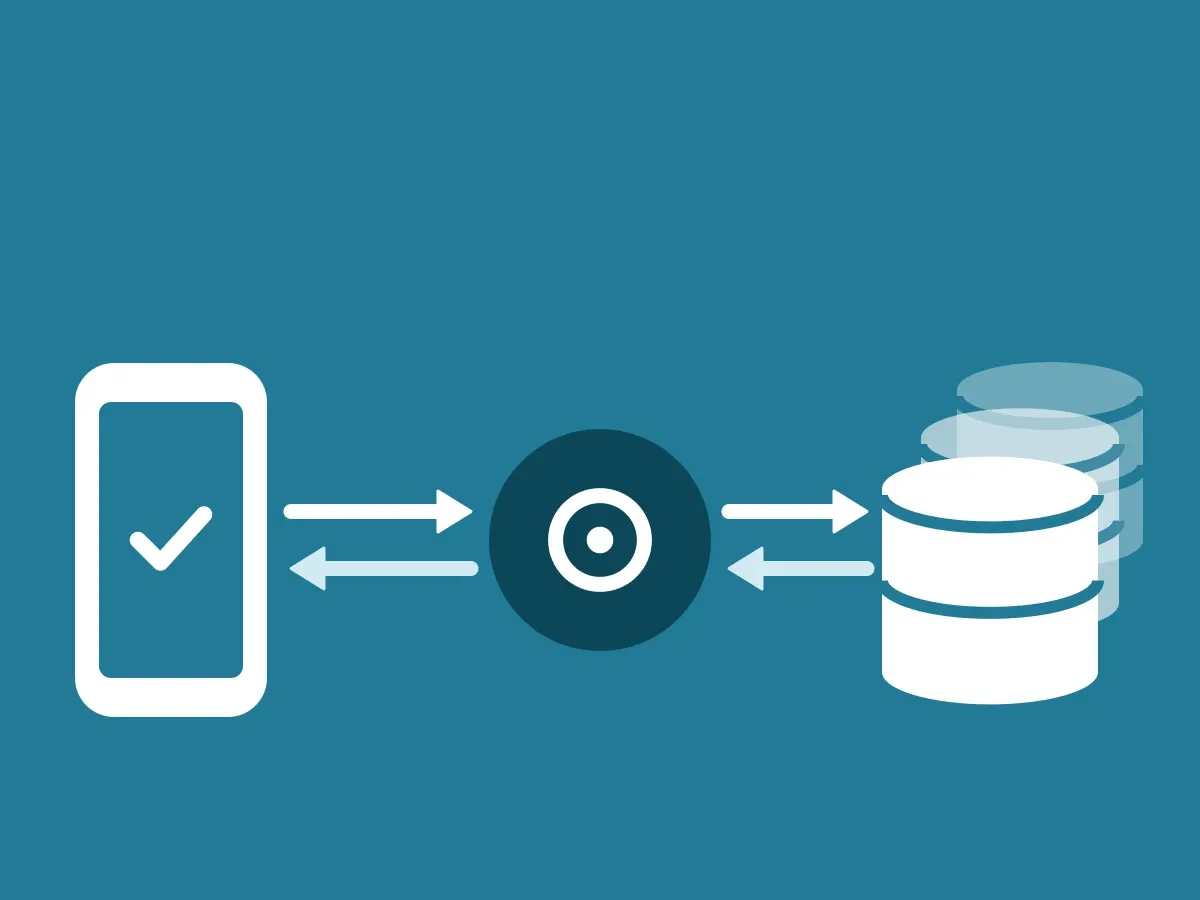
Your ClientDB holds both of your signing keys. Anyone who can call it can issue trust codes and answers that the app shows as coming from your company. That makes ClientDB as important as your DNS and your mail server. How the keys work is in How your two signing keys work.
Why ClientDB speaks for your company
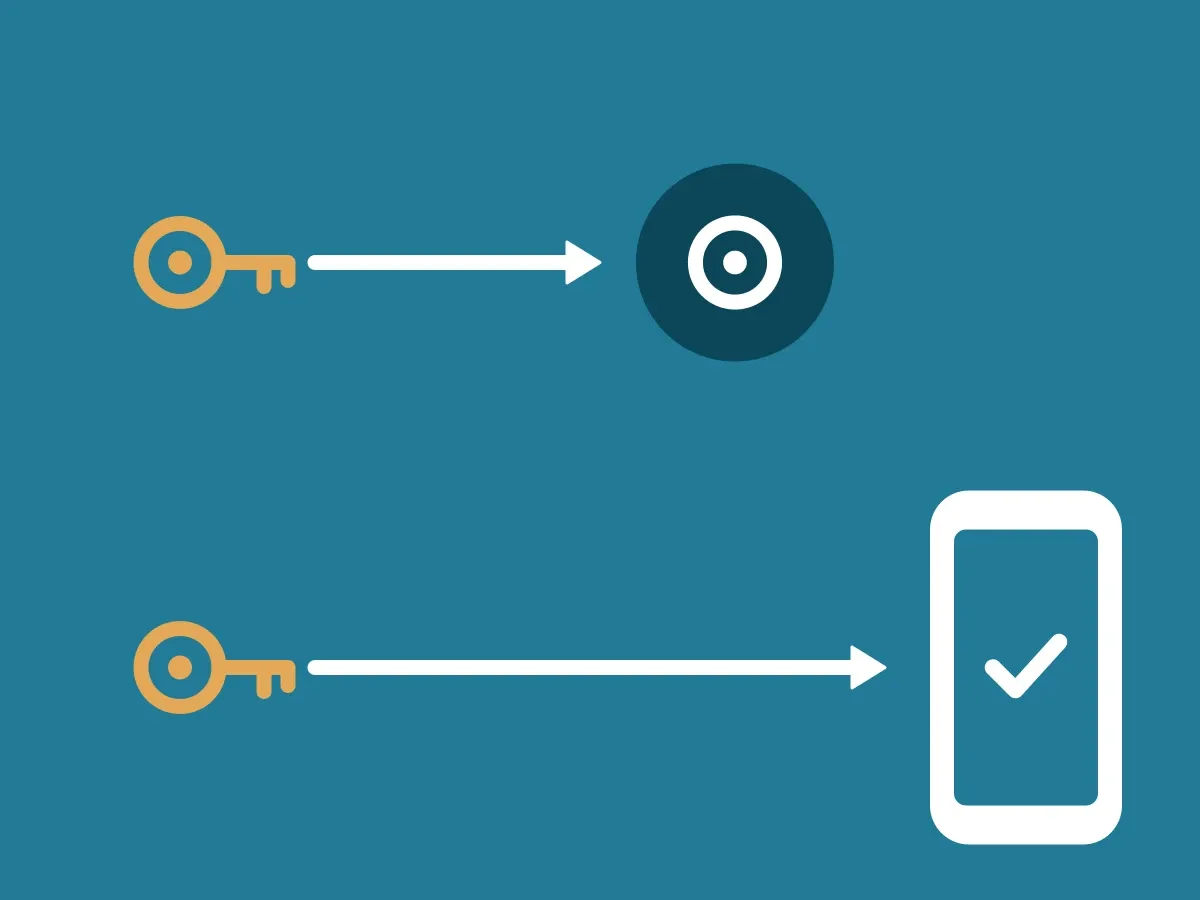
The app trusts an answer when it is signed with your answer key and the signature matches the public key in your DNS. Both private keys are stored only in your ClientDB. That is why ID-Truster cannot fake an answer from you.
It also means that the protection of ClientDB is in your hands. If someone else gets access to call your ClientDB, the app shows what they send with your business card.
The same level as your DNS and mail server
You already protect the systems that show who you are online. Whoever controls your DNS or your mail server can send email in your name. ClientDB belongs in the same group. Give it the same owners, the same access rules, and the same monitoring.
What to protect
- Who can call it. Only your own systems, such as your CRM and your newsletter system, should be able to call your ClientDB.
- Passwords, tokens, and keys. Store them in a secret manager, not in code or shared documents.
- Network access. Limit which networks and servers can reach your ClientDB.
- Admin access. Use multi-factor sign-in for everyone who can administer your ClientDB or your Supabase account, and keep the list short.
- Updates. Install new ClientDB versions when we release them.
- Logs. Keep logs of calls to your ClientDB and review them, as you do for your other critical systems.